QR code queue request
Configured to match practical Malaysian SME and business operation needs.
Cloud QMS and WhatsApp QMS
QueueSystem.my provides a digital queue management system for Malaysian businesses. Customers scan a QR code to join the queue, while staff manage queue calls, counters, reports and notifications from one cloud portal. Use Cloud QMS for TV display queuing, WhatsApp QMS for automatic WhatsApp notifications, or both together.
Cloud QMS and WhatsApp QMS for QR queue entry, TV display calling, WhatsApp notifications and queue analytics.
Why It Matters
BMO keeps important SEO content while presenting it in a modern SaaS structure: clear headings, concise feature blocks, internal links and focused calls to action.
Configured to match practical Malaysian SME and business operation needs.
Configured to match practical Malaysian SME and business operation needs.
Configured to match practical Malaysian SME and business operation needs.
Configured to match practical Malaysian SME and business operation needs.
Product Features
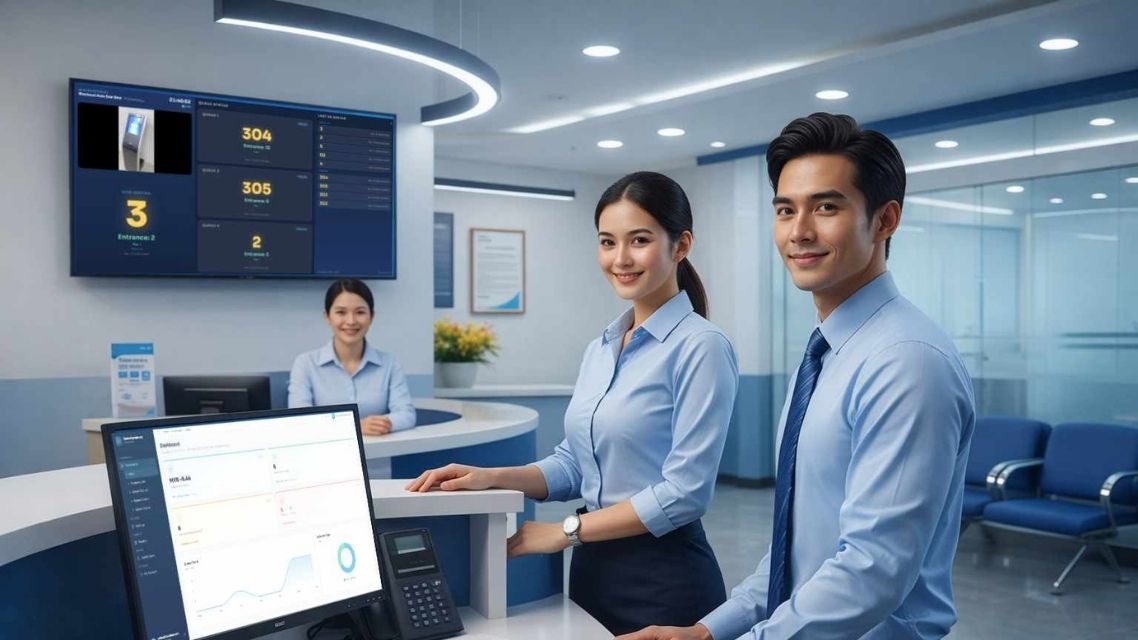
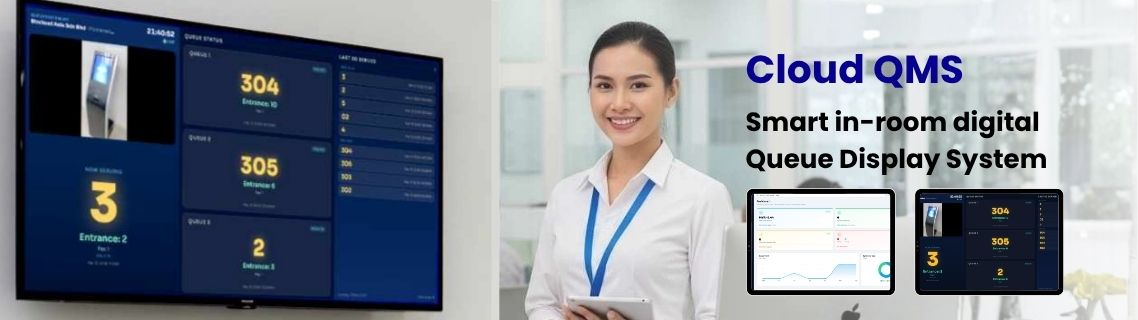
Best for clinics, service centres, offices and counters where customers wait in the room. Queue numbers appear on a TV display with sound or voice announcement.
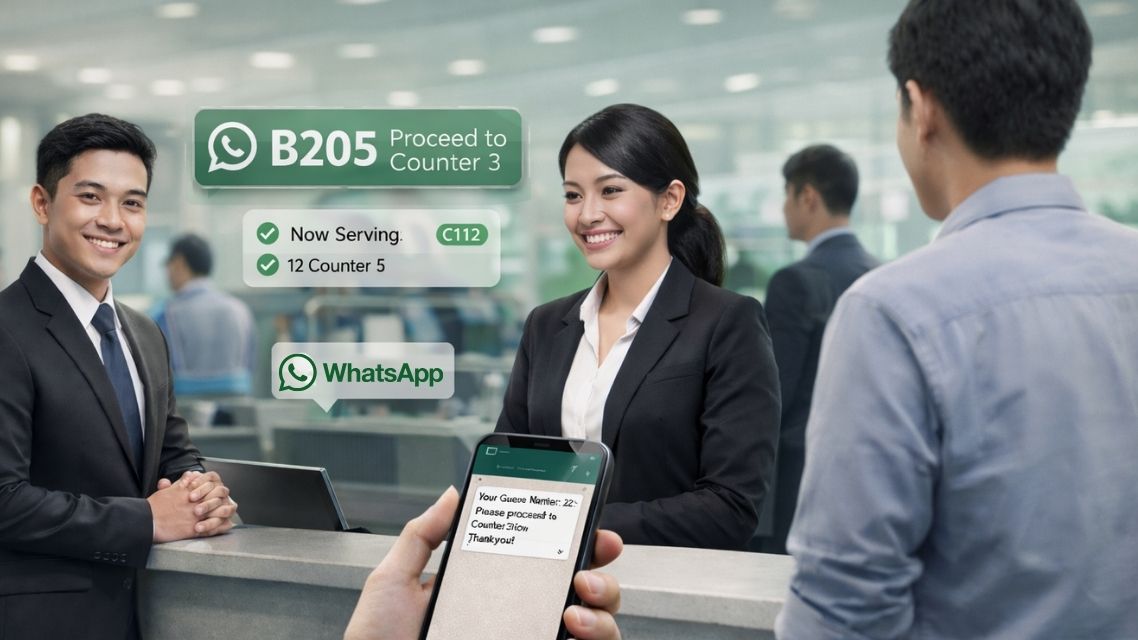
Customers receive a WhatsApp ticket and can wait in their car, nearby cafe or home. When staff call NEXT, WhatsApp notification is sent automatically.
Customers scan a QR code using any smartphone, fill in the queue request form and receive a queue number in under 30 seconds. No app download is required.
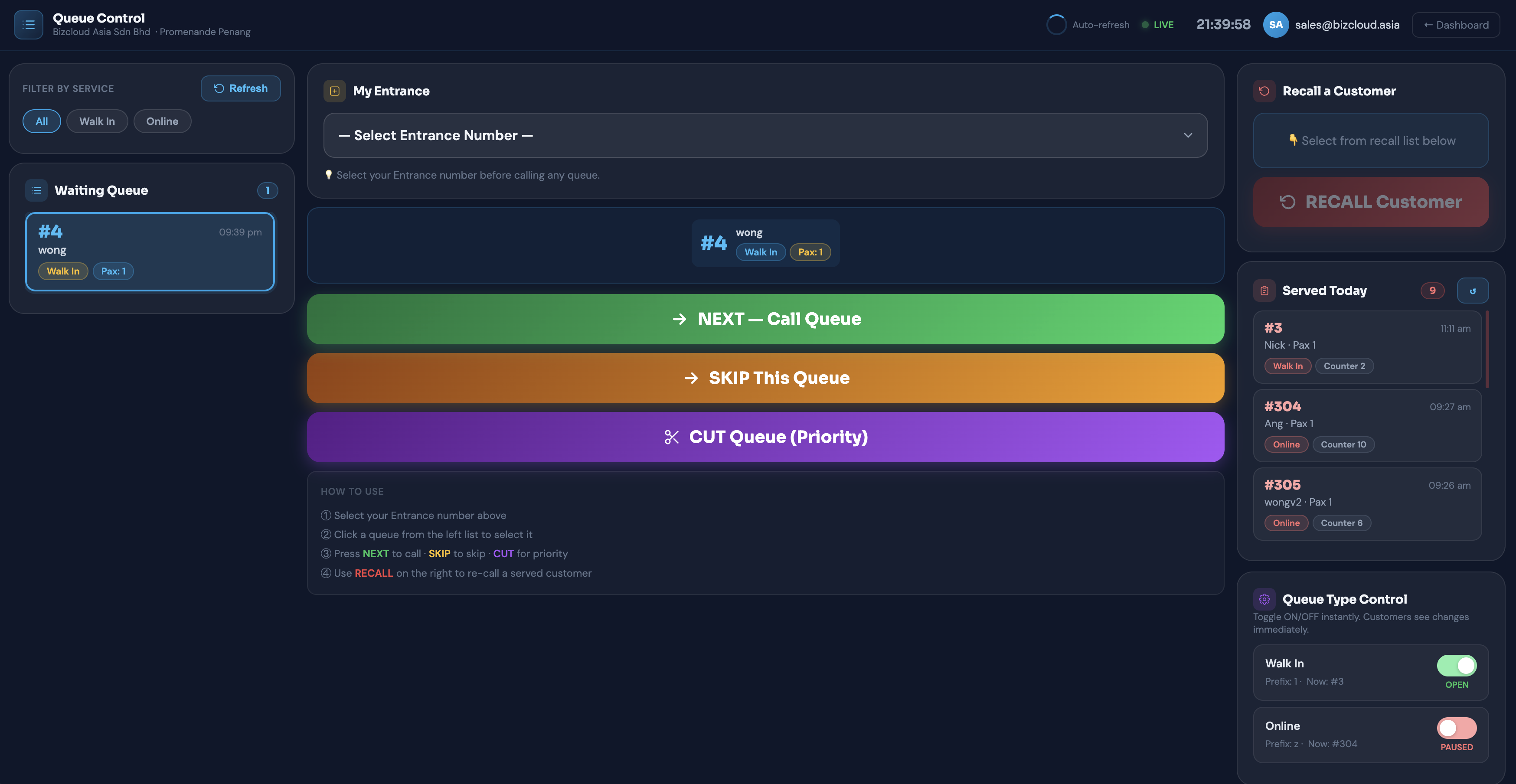
Staff can call NEXT, skip absent customers, recall missed turns, insert priority customers and turn queue types on or off from the web portal.
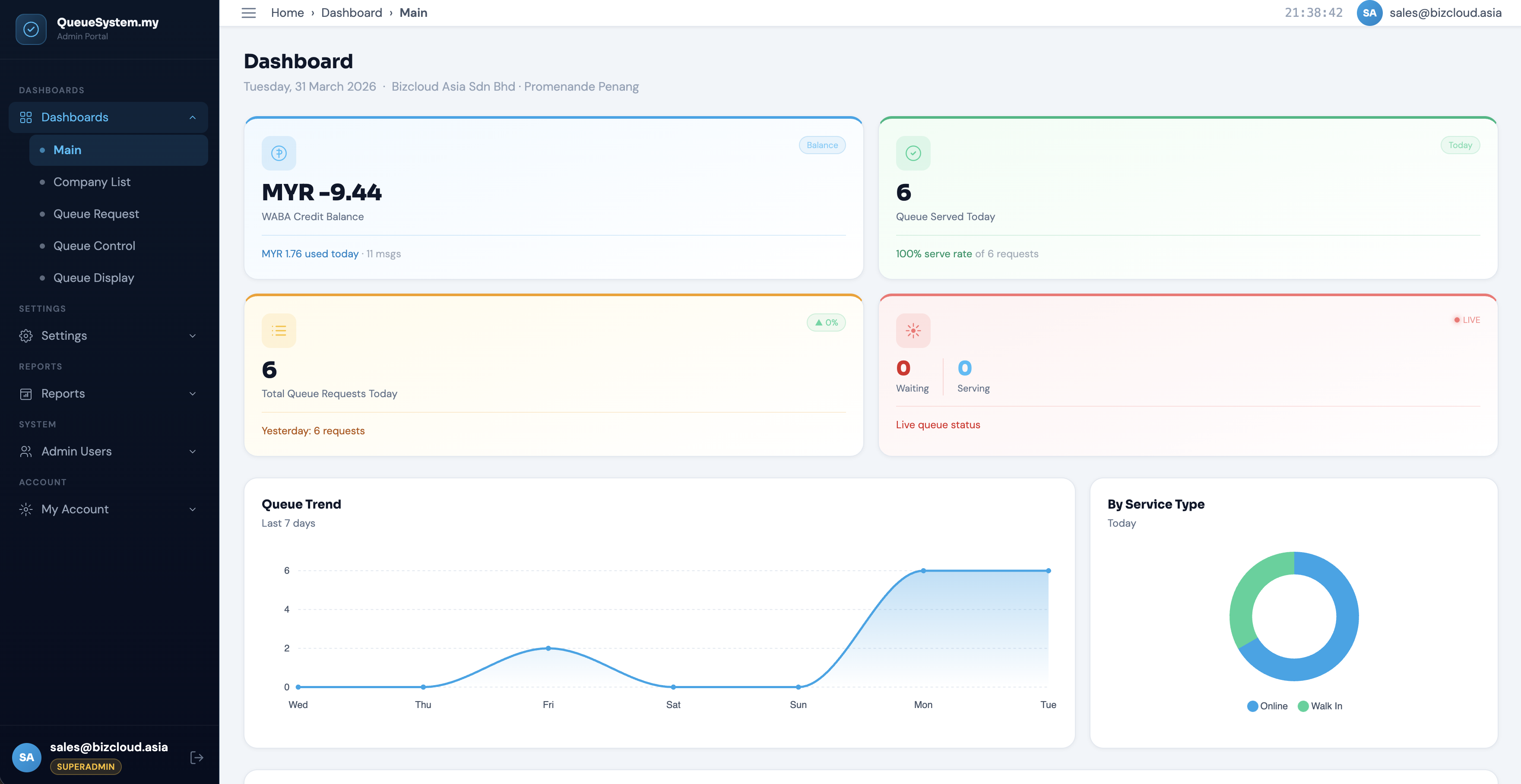
Managers can view total requests, live waiting and serving counts, service type breakdown and 7-day queue trends.
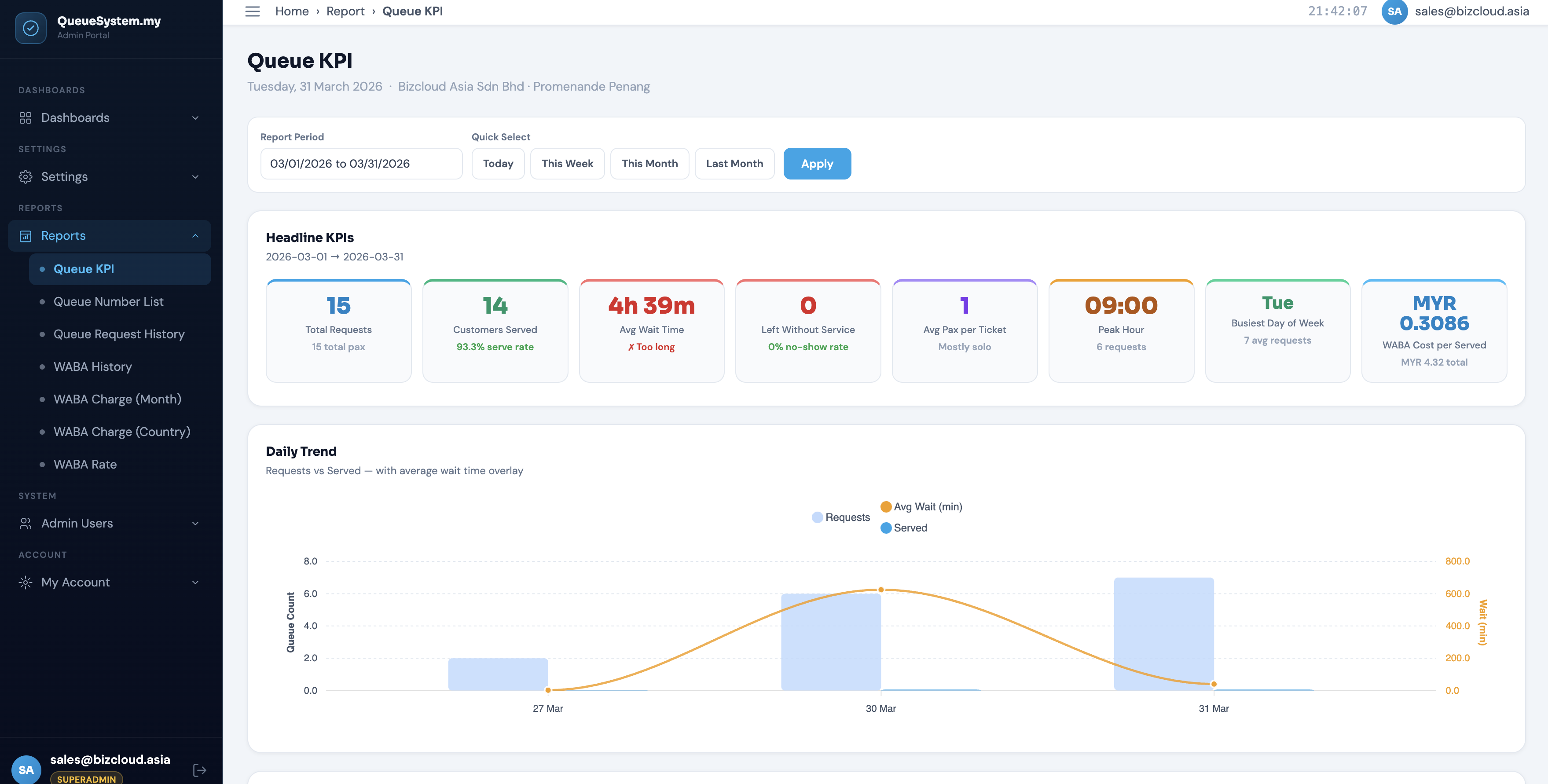
Track peak hours, counter performance, average waiting time, serve rate, repeat customers and export reports for management review.
Create staff accounts with admin or employee permissions so each team member sees the correct queue tools.
Suitable for clinics, dental centres, government offices, banks, automotive service centres, education, HR departments and visitor management.
Product Screenshots
Connected Ecosystem
FAQ
Cloud QMS calls queue numbers on a TV display for customers waiting on-site. WhatsApp QMS sends automated WhatsApp notifications so customers can wait anywhere. Both use the same portal.
No. Customers scan a QR code with their phone camera and join the queue through a browser or WhatsApp flow depending on setup.
Yes. Since both products use the same portal, WhatsApp notifications can be added later without migrating queue data.
QueueSystem.my content notes Cloud QMS setup can typically be completed within 24 hours, while WhatsApp QMS may take longer because WABA registration and template approval are required.
Ready to Modernise Operations?